Component
Background Image Parallex
The Background Image Parallax Effect is a visually captivating UI feature that creates an illusion of depth and movement on a webpage. As users scroll through the content, the background images move at a slower pace compared to the foreground content, producing a stunning 3D-like effect. This technique enhances the user experience by adding a dynamic and engaging element to your website.
Features
- ▸Depth Illusion: Creates a perception of depth by making background images move slower than the foreground content, giving a 3D-like effect.
- ▸Smooth Scrolling: Ensures fluid and seamless transitions between different sections of the webpage, enhancing the overall user experience.
- ▸Customizable Speed: Allows for easy adjustment of the parallax scrolling speed to match the design and aesthetic requirements of your website.
- ▸Responsive Design: Adapts to various screen sizes and devices, ensuring a consistent visual experience across desktops, tablets, and smartphones.
- ▸Lightweight and Efficient: Minimal impact on performance, ensuring that the parallax effect enhances the user experience without compromising the website's speed and responsiveness.
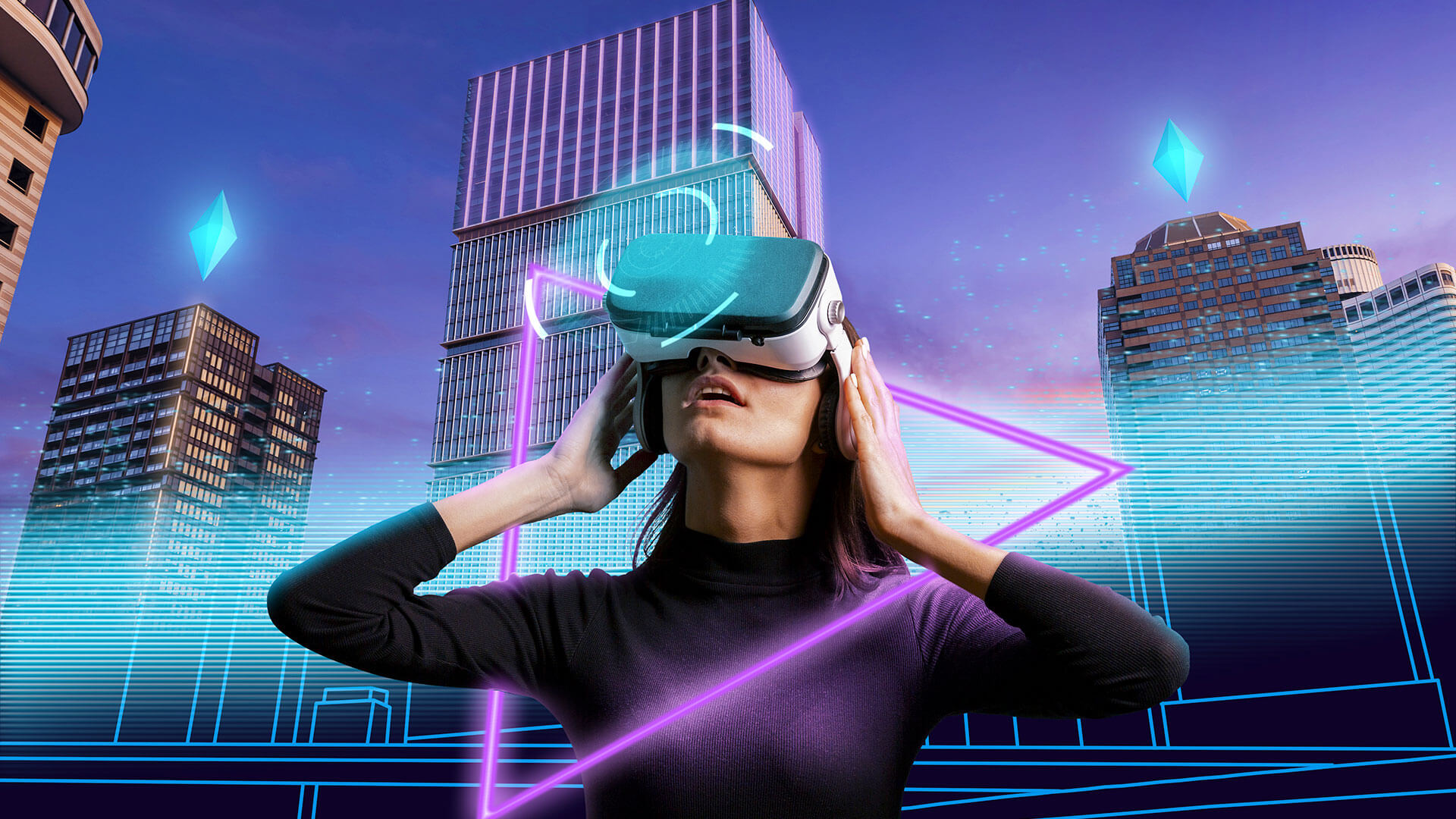
Lorem ipsum dolor sit amet consectetur adipisicing elit. Dignissimos corporis vel ducimus, minima, deserunt optio omnis consectetur excepturi repudiandae amet odio fugit animi sit tempora sint qui eligendi. Omnis, dolore?
Create Exciting Landing Designs using the image parallex Effects.
Background Image Parallax

Installation
01.Install Dependencies
npm install motion lenisSource Code
'use client';
import { useEffect, useRef } from 'react';
import Lenis from 'lenis';
import { useScroll, useTransform, motion } from 'motion/react';

export default function ParallaxDemo() {
  useEffect(() => {
    const lenis = new Lenis();

    function raf(time) {
      lenis.raf(time);
      requestAnimationFrame(raf);
    }

    requestAnimationFrame(raf);

    return () => {
      if (lenis) {
        lenis.destroy(); // Clean up Lenis instance
      }
    };
  }, []);

  function IntroSection() {
    const container = useRef();
    const { scrollYProgress } = useScroll({
      target: container,
      offset: ['start start', 'end start']
    });

    const y = useTransform(scrollYProgress, [0, 1], ["-20%", "150%"]);

    return (
      <div ref={container} className='h-screen overflow-hidden'>
        <motion.div style={{ y }} className='relative h-full'>
          <img
            src='https://howtostartabusinessindubai.com/wp-content/uploads/2022/08/metaverse-based-business-dubai.jpg'
            alt="metaverse business"
            className='w-full h-full object-cover brightness-50'
          />
        </motion.div>
      </div>
    );
  }

  function MainSection() {
    return (
      <div className='flex justify-center py-40 h-screen items-center bg-yellow-400'>
        <p className='text-2xl md:text-5xl text-center max-w-[60vw] leading-none text-black'>
          Lorem ipsum dolor sit amet consectetur adipisicing elit. Dignissimos corporis vel ducimus, minima, deserunt optio omnis consectetur excepturi repudiandae amet odio fugit animi sit tempora sint qui eligendi. Omnis, dolore?
        </p>
      </div>
    );
  }

  function EndingSection() {
    const container = useRef();
    const { scrollYProgress } = useScroll({
      target: container,
      offset: ["start end", 'end start']
    });

    const y = useTransform(scrollYProgress, [0, 1], ["-10%", "10%"]);

    return (
      <div
        ref={container}
        className='relative flex items-center justify-center h-screen overflow-hidden'
        style={{ clipPath: "polygon(0% 0, 100% 0%, 100% 100%, 0 100%)" }}
      >
        <div className='relative z-10 py-10 px-8 text-white w-full h-full flex flex-col justify-between'>
          <p className='w-2/3 text-2xl md:text-4xl self-end'>
            Create Exciting Landing Designs using the image parallax Effects.
          </p>
          <p className='text-2xl md:text-4xl font-black w-full'>
            Background Image Parallax
          </p>
        </div>
        <div className='fixed top-[-10vh] left-0 h-[120vh] w-full'>
          <motion.div style={{ y }} className='relative w-full h-full object-cover bg-black z-[1]'>
            <img
              src='https://beaconvcfund.sgp1.cdn.digitaloceanspaces.com/2022/06/metaverse-cover-1288x724-1.jpeg'
              alt="metaverse background"
              className='h-full w-full object-cover brightness-50'
            />
          </motion.div>
        </div>
      </div>
    );
  }

  return (
    <main>
      <IntroSection />
      <MainSection />
      <EndingSection />
    </main>
  );
}